Teamgee Laptop Screen Extender Review: Three Screens in 10 Seconds
Two extra 14-inch screens that fold into one flat piece and clip onto your laptop in about 10 seconds. Here's what to check before you buy.
Working from a laptop is great until you need more than one window open. Then it's a constant shuffle: browser, spreadsheet, chat, back to the browser. At a desk, a second monitor fixes that. In a coffee shop, a hotel room or a coworking space, you're stuck squinting at one 14-inch screen.
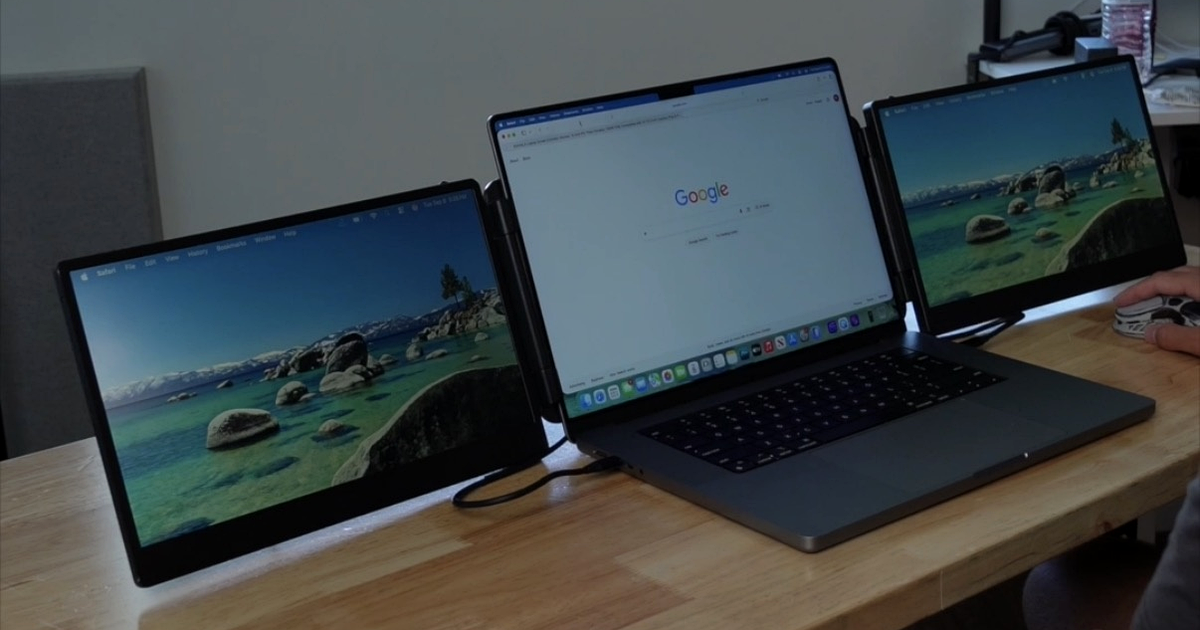
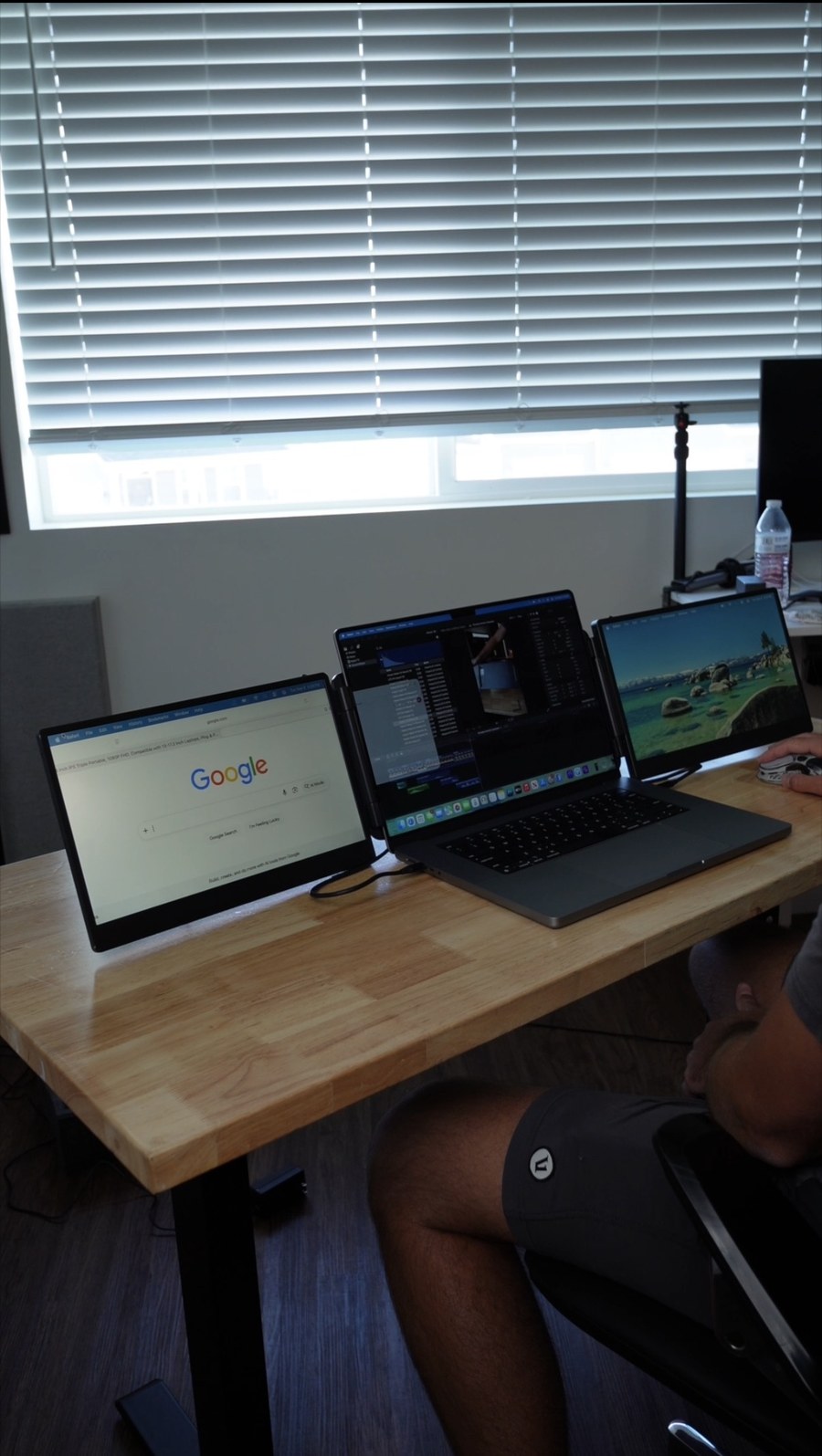
The Teamgee Laptop Screen Extender fixes that on the road. It's a pair of 14-inch 1080p screens that attach to the sides of your laptop, so one display becomes three. It folds into a single flat piece, slides into the included carrying case, and goes in your backpack next to your laptop.
What You Get
According to Teamgee's Amazon listing, the extender offers:
- Two 14-inch IPS screens at 1920 x 1080 and 60Hz
- 300 nits of brightness, 1000:1 contrast and an anti-glare finish
- Built-in speakers and a non-slip kickstand
- A fit for laptops from 13 to 17 inches (measured diagonally)
- Extended and mirror modes, switchable with one button
- Per-screen brightness, contrast and color temperature controls
- Connection over USB-C, or HDMI plus USB-A
- A carrying case in the box
Setup Takes About 10 Seconds
Portability is the best thing about it. Everything folds up into basically one piece, and with the case, it slips into a backpack right next to your laptop.
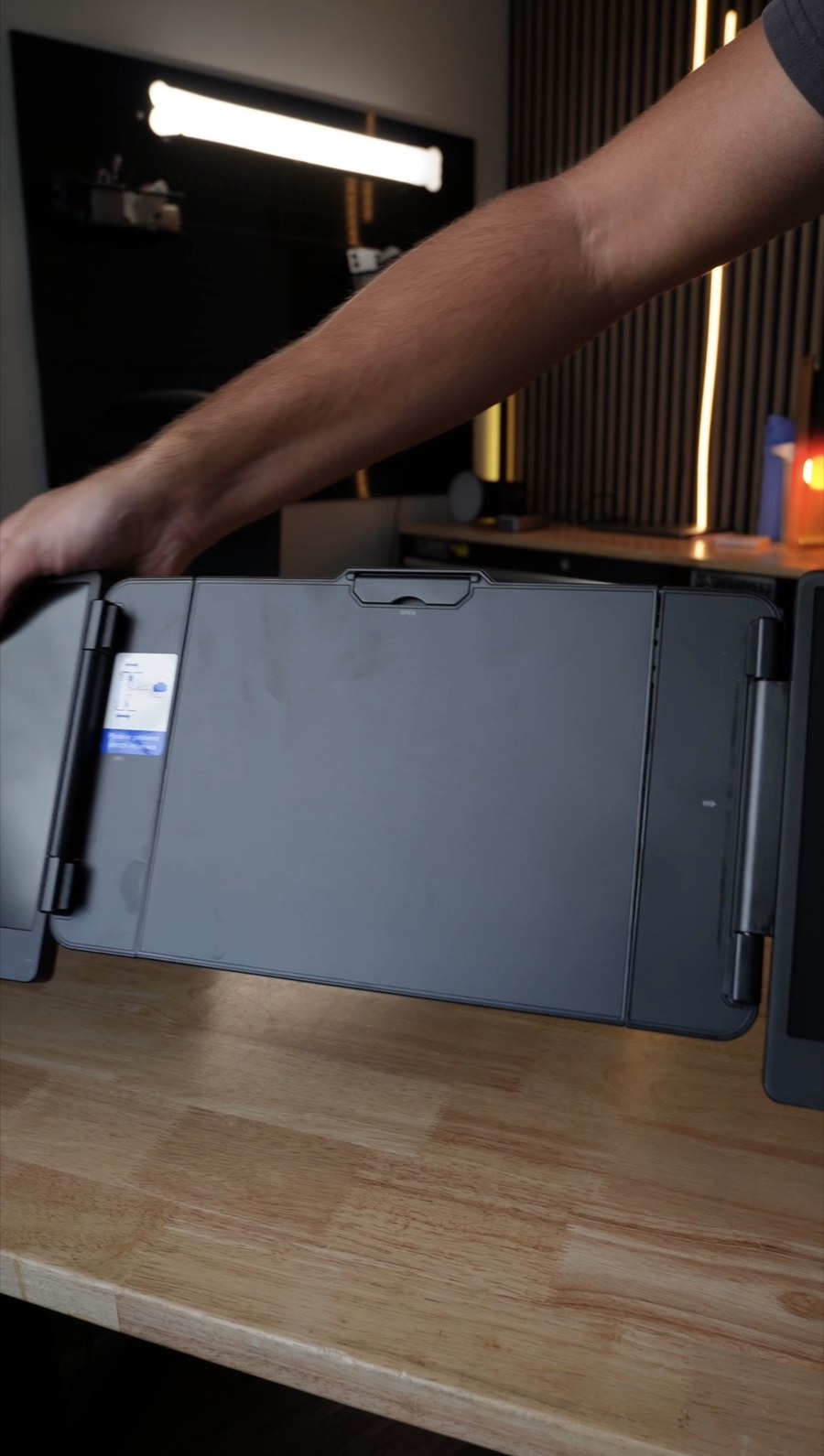
When you want to use it, you unfold the two screens and hook the frame onto your laptop. That's it. Once you know the routine, it takes about 10 seconds to go from bag to three screens, which is the whole point of a travel monitor. If setup took 10 minutes every time, you'd leave it at home. (Your very first setup will take longer: Teamgee says its illustrated guide gets you running in about 10 minutes, cables included.)
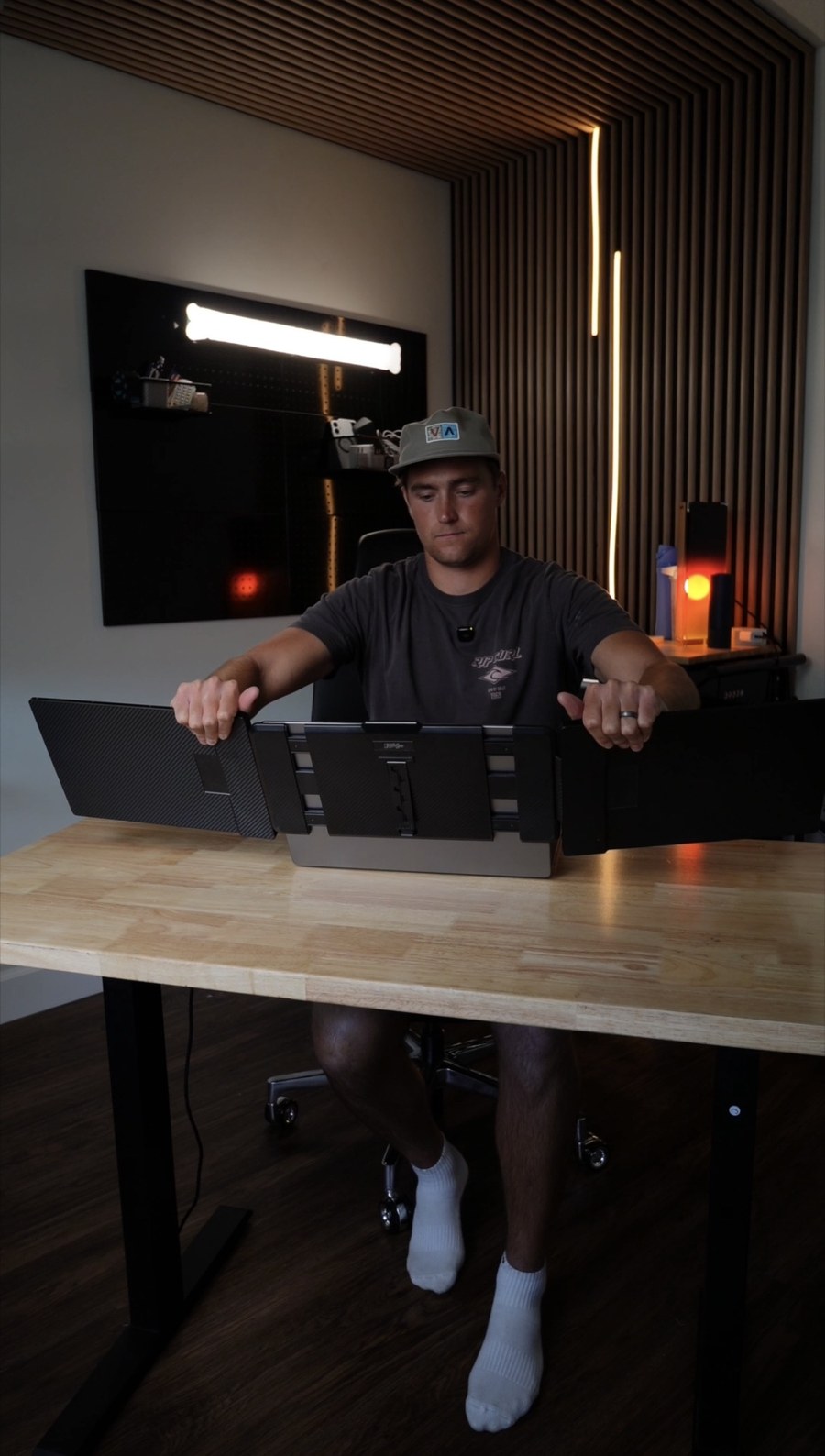
It Works Like Any Other Monitor
Once it's plugged into your computer, the two screens act like regular external displays. Your laptop's display settings control how they're arranged, and you can drag apps and browser windows from one screen to another just like you would with a desk monitor. Mirror mode is handy for showing a client or coworker sitting across from you what's on your screen.
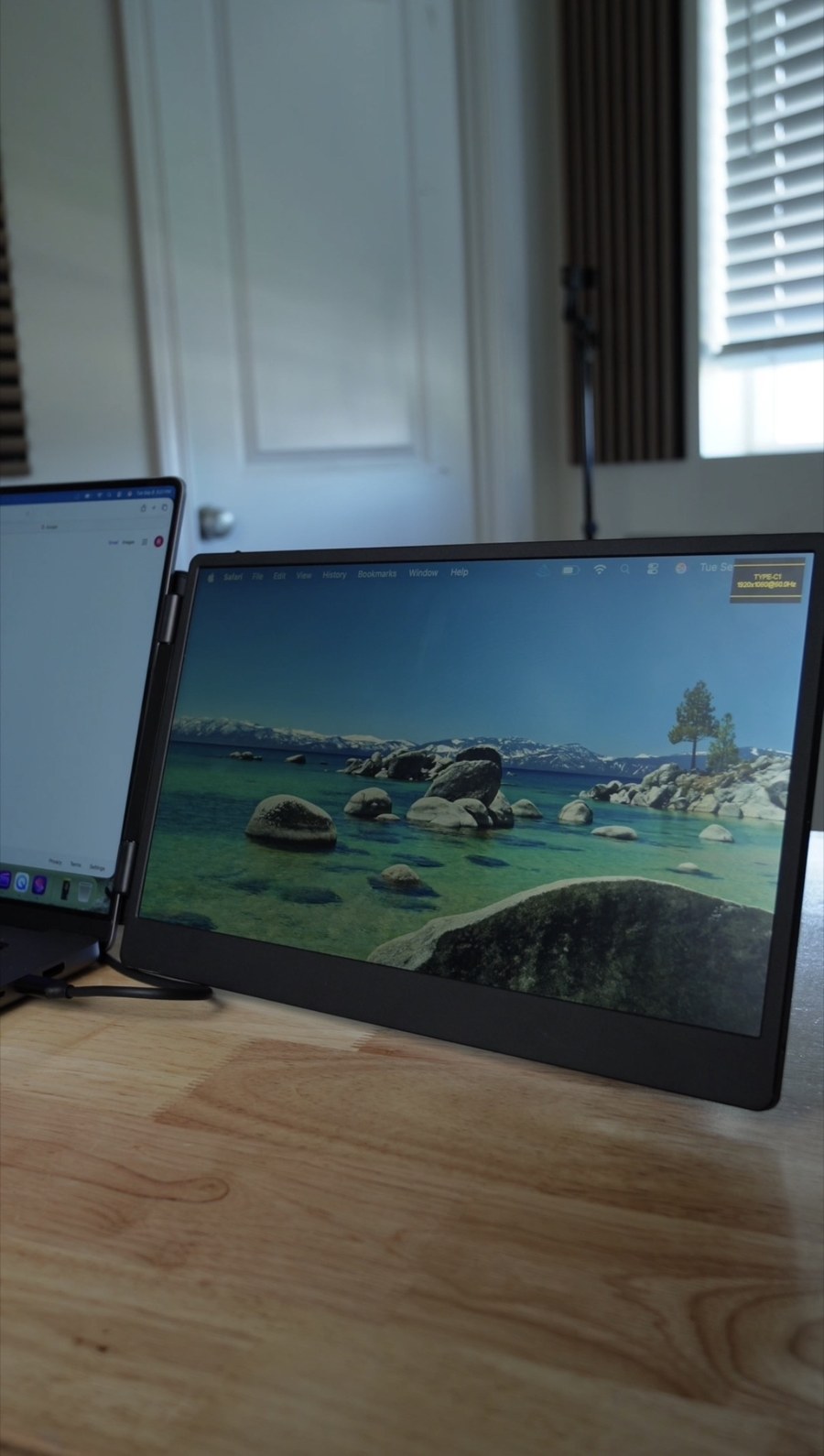
The screens are 1080p, which is sharp enough at 14 inches for documents, email and video calls. At 300 nits, they're fine indoors but won't win any battles with direct sunlight. The built-in speakers are a nice backup if you forget headphones, though you shouldn't expect much from speakers this thin.
Check Compatibility First
This is the part to read before you buy. You can connect the Teamgee over USB-C, but only if your laptop's USB-C port carries video. Otherwise you'll need HDMI plus USB-A for power. Teamgee says that if a USB-C port isn't fully functional, the screen shows "No Signal."
Mac owners should pay extra attention. Teamgee says MacBooks with M1 through M4 chips may need a separate DisplayLink dock to run the full three-screen setup, and the company flags some Dell Latitude and Precision models too. Teamgee offers to confirm compatibility if you message it with your laptop model, which is worth doing before you order. If you're comparing it against the many similar-looking triple-screen extenders on Amazon, our guide on how to compare Amazon listings for the same product can help you sort out which differences actually matter.
Price and Availability
At this writing, the Teamgee 14-inch Laptop Screen Extender is listed at about $180 at Amazon, where it averages 4.3 stars from more than 1,300 ratings. Teamgee also sells 15.6-inch versions. That's a real investment, but it's cheaper than buying two separate portable monitors and juggling two stands. Laptop accessories go on sale often, so it's worth setting up Amazon price drop alerts if you're not in a rush.
Teamgee Laptop Screen Extender
PROS:
- Folds into one flat piece and comes with a carrying case
- Sets up in about 10 seconds once you know the routine
- Two 1080p IPS screens that work like normal monitors
- Built-in speakers and a kickstand
- Fits 13- to 17-inch laptops
CONS:
- USB-C only works if your port carries video
- Some MacBooks and Dell laptops need an extra dock for both screens
- 300 nits isn't bright enough for direct sun
- About $180 is a lot for a travel accessory
💡 VERDICT: If you work from a laptop on the go and miss your desk setup, the Teamgee gives you three screens in about 10 seconds. Just confirm your laptop can drive two external displays before you buy.
Watch Our Full Video Review
Want to see it in action? Here's the Teamgee going from folded to three screens.