How to Get the New Siri Recap Feature on Any Apple Watch, Right Now
There’s already a better version available — and it’s free!
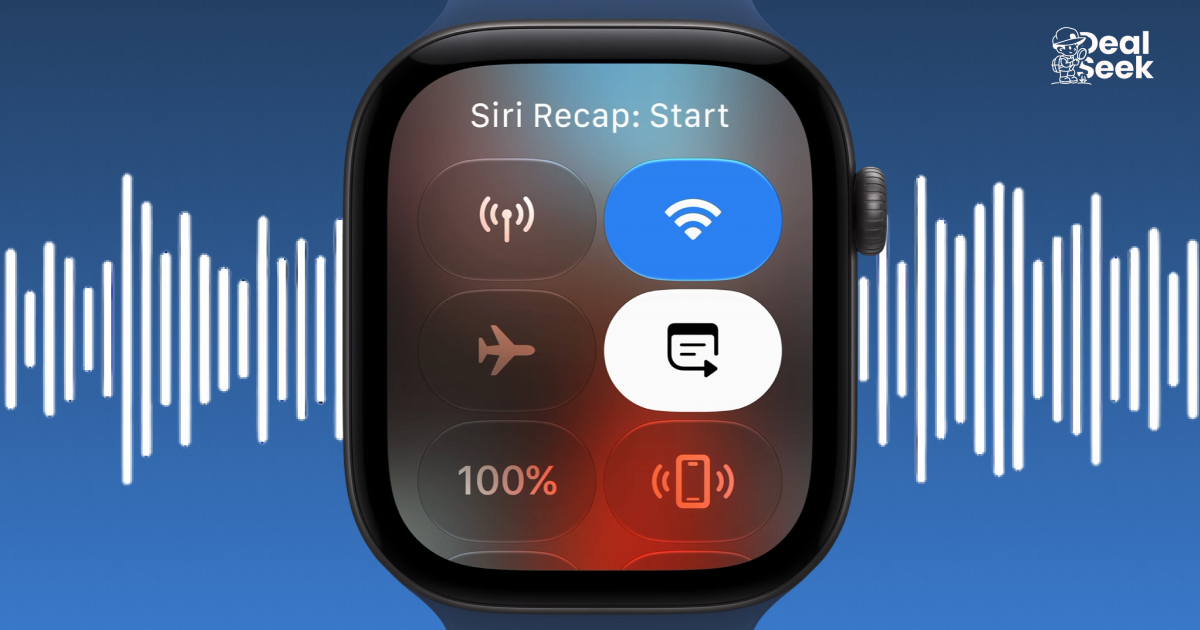
At last week’s annual Apple product-launch event, all eyes fell on the first-ever folding iPhone, the Duo. But my attention was drawn elsewhere: Apple also introduced the Watch Series 12 and Ultra 4, and with them a new AI-powered feature that’s already generating some controversy.
It’s called Siri Recap, and it records audio that later gets converted into summaries, discussion points, etc. (Think: a court stenographer you wear on your wrist.) My first reaction upon learning about this? “Huh, I’ve had that for over a year already.”
See, there are lots of “AI wearables” that can record, transcribe, and summarize audio; Siri Recap just brings some of that tech to the Apple Watch. While I haven’t had the chance to try it yet, I can tell you what I’ve been using — and why it may be preferable to spending $400 on a Series 12 or $800 on an Ultra 4.
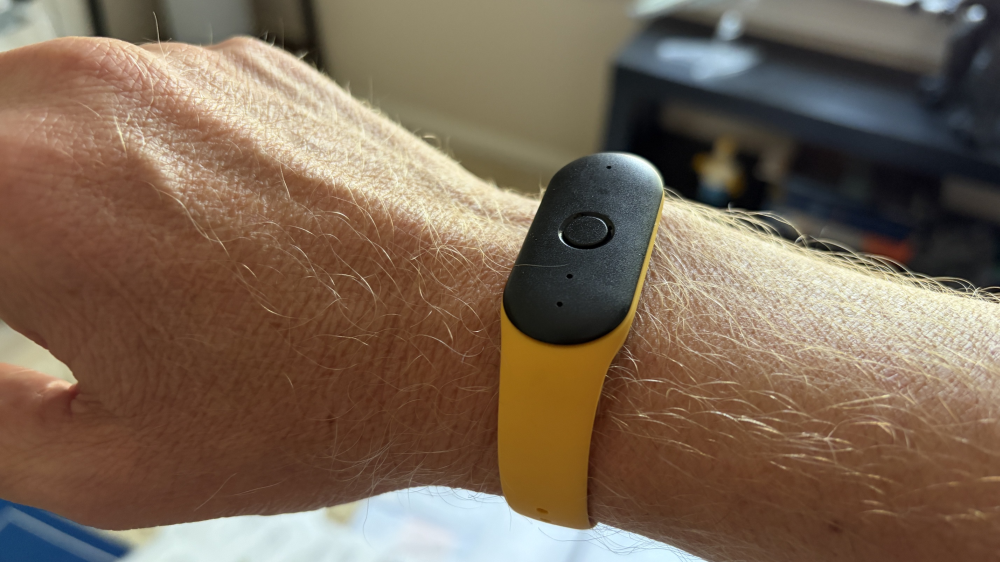
The Bee Pioneer is a $50 wristband with dual microphones and advanced noise filtering. Press a button and it starts recording; press again and it stops. The audio gets synced to the Bee app on your phone, where it’s analyzed and massaged in a bunch of useful ways: an overall summary, a bulleted list of key takeaways, a to-do list, even the overall atmosphere of the conversation. You also get a full transcript.
I’ve gotten a lot of mileage out of this. For example, when I visit a doctor (whether it’s a general checkup or something specific), I can never remember all the information thrown at me. But now I don’t have to; the Bee captures and distills it so I can easily reference it later. Same goes for when the mechanic tells me what’s wrong with the car or the lawyer explains how we’re going to tackle this rental agreement.
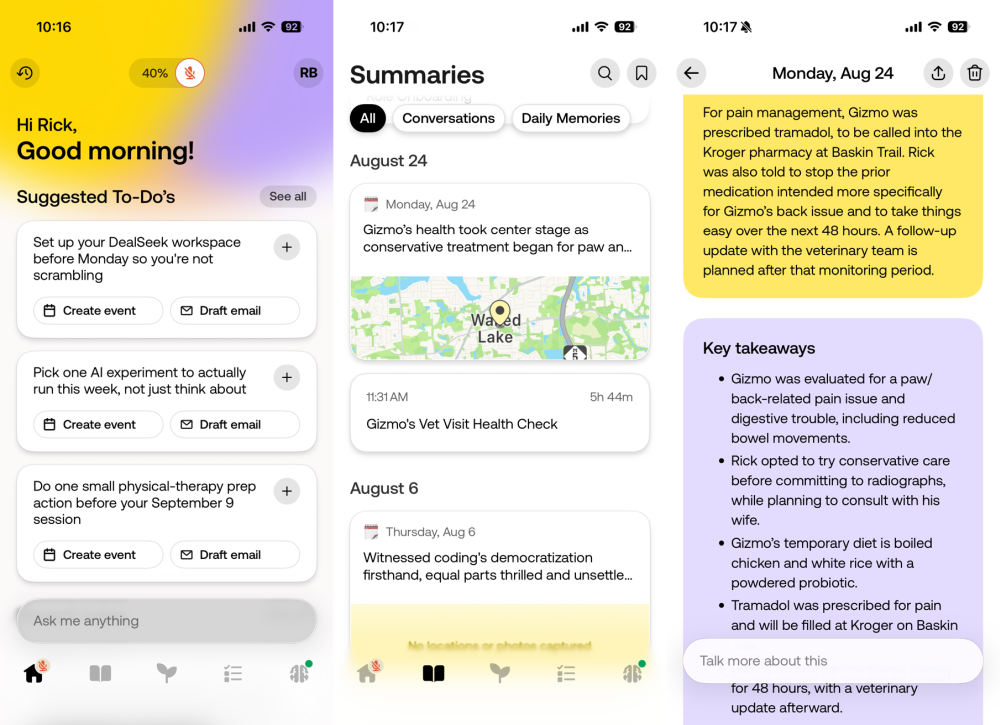
Basically, it’s extremely valuable for meetings, important conversations, and the like — anything you want to preserve and summarize for later use. (Are there privacy issues to discuss here? There are, and that’s why people are already raising eyebrows at Siri Recap. But that’s a discussion for another day.)
So what does all this have to do with Siri Recap and the Apple Watch? Simple: There’s already an Apple Watch version of the Bee app, and it’s completely free to use.
I actually discovered this last year when I bought the Bee wearable, and instantly thought, “Well, heck, why even bother with that when I’m already wearing an Apple Watch?” And, sure enough, the Bee app is much more convenient to use on a device I wear all day every day. It seems to work just as well, too, at least based on my non-scientific, purely anecdotal tests.
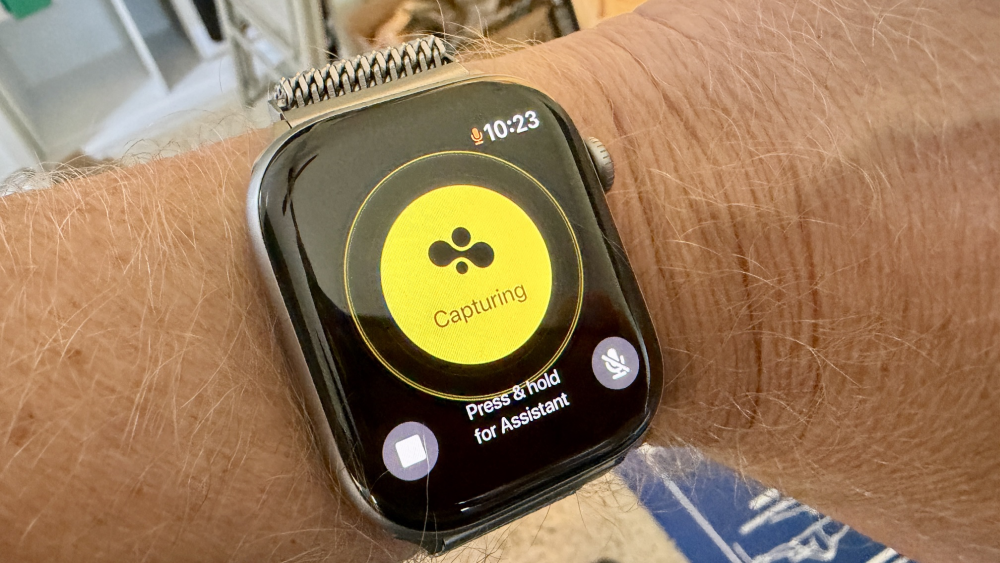
The other key thing to note here is that Bee works on just about any modern Apple Watch model, not just the Series 12 and Ultra 4. And did I mention it’s free?
You might rightfully feel suspicious about that — What are they doing with my data?! — but Bee says recordings are never saved or stored, always deleted after processing, etc. “Only you have access to your transcripts and summaries unless you choose to share your data,” according to the Privacy & Security page.
Also surprising (in a good way): There’s no subscription fee, no cost of any kind to use the app on your watch. I can’t help thinking that’s going to change at some point, mostly because of Bee’s current owner.
In 2025, the company was acquired by Amazon. Surprisingly little has changed since then, and in fact you can’t even buy it from Amazon yet; so far the Pioneer is still sold only by Bee proper. Save for a few feature improvements, the device is largely the same.
For now, all you need is an Apple Watch and the Bee app. And from what I can tell, the Bee offers much more robust audio-summation capabilities than Siri Recap. You certainly can’t beat the price.