How to Compare Amazon Listings for the Same Product
Master the art of comparing Amazon listings. Learn how to use the "Compare with similar items" tool and find the best price every time.
Quick Comparison Checklist
- Check the "Ships from" and "Sold by" labels: Items sold by Amazon directly often have the most straightforward return policies.
- Look at the "New & Used" link: This is often found under the main price and can reveal different sellers with better prices for the exact same item.
- Scan the Comparison Table: Scroll down to the "Compare with similar items" section to see specs, weight, and ratings in a side-by-side grid.
- Use Rufus for Summaries: Ask Amazon’s AI assistant, Rufus, to compare two specific products to get a quick summary of the main differences.
Have you ever searched for a specific item on Amazon only to find five different listings that look almost identical? It happens to the best of us. Maybe one has a slightly different title, or another is a few dollars cheaper but has fewer reviews. Amazon has introduced several smart tools to help you cut through the noise and figure out exactly which listing is the right choice for you.
At DealSeek, we believe that a little bit of comparison goes a long way toward building shopping confidence. Knowing how to look at two listings side-by-side ensures you don't miss out on a better deal or a more reliable seller. Here is our simple, natural guide to comparing Amazon listings like a pro.
Use the "Compare with Similar Items" Tool
Amazon knows that shoppers like to see data in a grid. Most product pages now have a built-in feature called "Compare with similar items." You can usually find this by scrolling down past the main product description but before the customer reviews.
Why this tool is a lifesaver:
- Side-by-Side Specs: It puts the price, star rating, dimensions, and even material type into a clean table.
- Automatic Suggestions: Amazon’s system automatically picks the most relevant competitors so you don't have to search for them manually.
- Highlighting Differences: This tool often highlights the "Best Value" or "Top Rated" option in the group to help you decide faster.
Using this built-in feature is one of those Hidden Amazon Features Most Shoppers Don’t Use that can save you from accidentally buying an older model or a version with fewer features.
Check the "Other Sellers" Section
Sometimes, the "Same Product" isn't on a different page, it's hidden right on the page you are already looking at. Right below the "Buy Now" button, look for a small link that says "New & Used from $X.XX."
Clicking this link opens a sidebar that shows every verified seller offering that exact same item. This is where you can compare:
- Shipping Speed: One seller might offer overnight shipping while another takes a week.
- Fulfillment Type: You can choose between items that are Sold by Amazon or Fulfilled by Amazon versus those shipped directly by a third party.
- Condition: This is a great place to see if there is a "Used – Like New" version that could save you even more money, as explained in our Amazon Resale Explained guide.
Use DealSeek to Verify the Deal
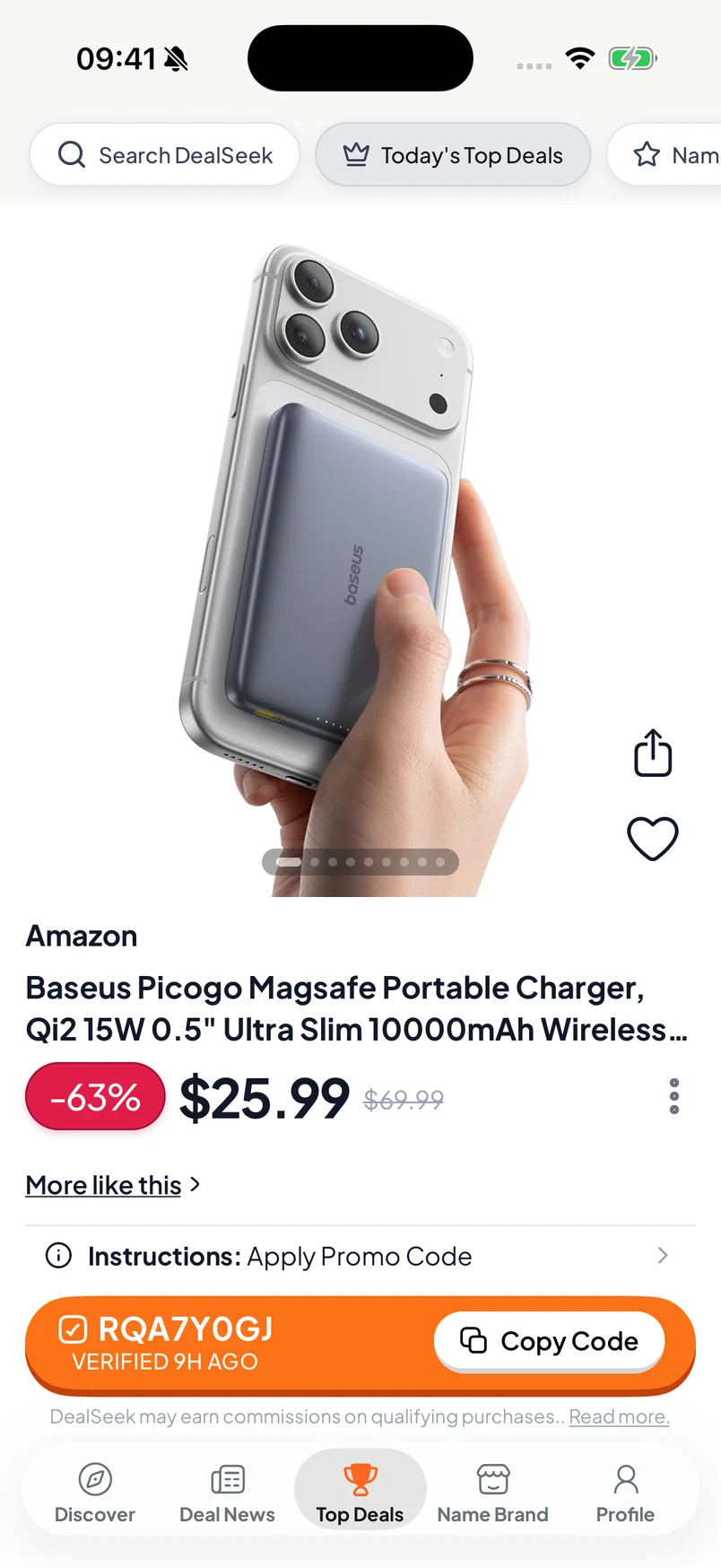
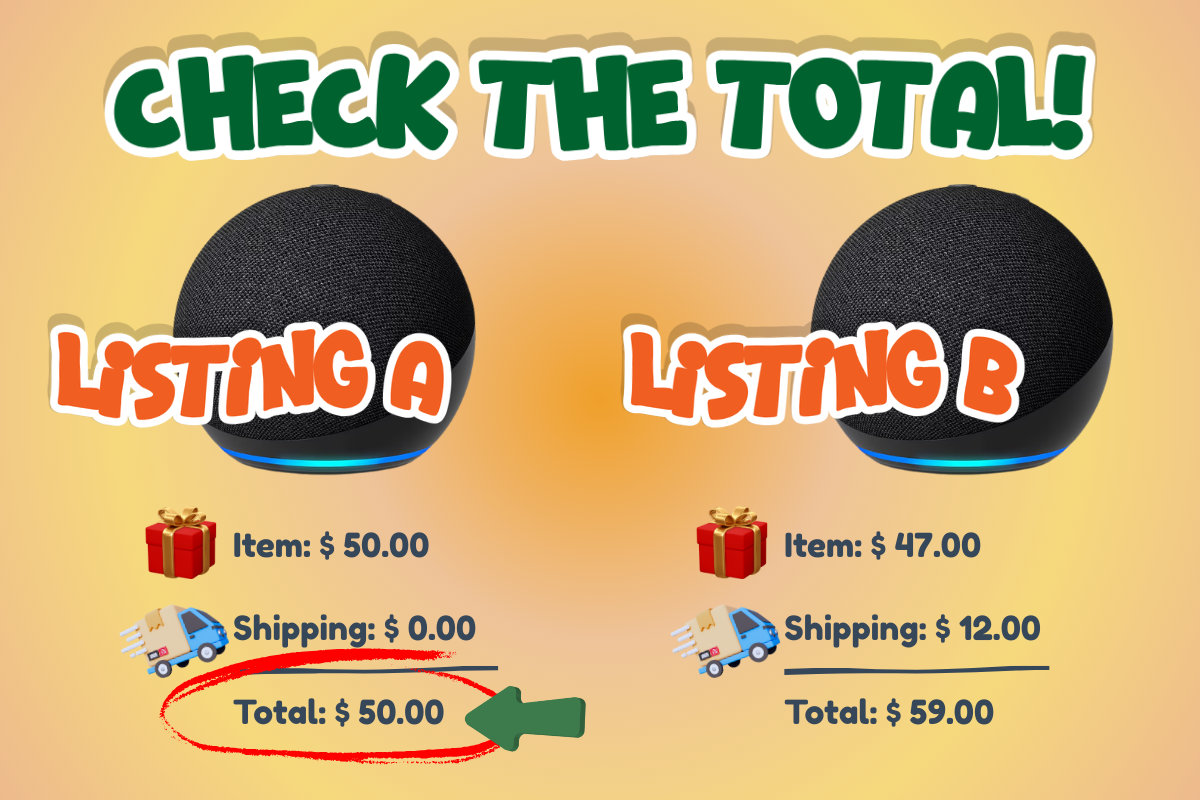
Before you decide which listing is the winner, it is always a smart move to use DealSeek to easily find promo codes and discounts. While one listing might look cheaper at first glance, another listing might have a hidden promo code that makes it the actual bargain.
By checking DealSeek, you can see if there are any current brand-wide discounts that apply to one seller but not another. This extra step is the hallmark of how to Shop Smarter on Amazon Without Spending More Time.
Ask Rufus for a Summary
You don't even have to do the reading yourself if you don't want to. Amazon’s AI assistant, Rufus, is specifically designed to help with comparisons. You can type a prompt like, "Compare the top three listings for this wireless mouse," and Rufus will give you a bulleted list of the differences in battery life, connectivity, and price.
This is especially helpful when you are trying to Avoid Overpaying for Popular Products on Amazon, as Rufus can spot if one listing is a bundle that includes extra batteries or a carrying case for just a few cents more.
Watch Out for "Variation" Differences
Many products on Amazon use "variations," which means one listing might have different colors, sizes, or quantities. In early 2026, Amazon updated how reviews are shared across these variations. Now, if a product has a "significant difference" (like a different model number), the reviews are often split.
This is a good thing! It means when you are looking at a listing for a blue shirt, the 5-star reviews you see actually belong to that shirt, not a different product that was grouped with it. For more on this, check out our guide on How Amazon Verifies Sellers and What the Badges Mean.
The Final Verdict
Comparing listings isn't just about finding the lowest price, it's about finding the best overall value. By using the comparison table, checking for other sellers on the same page, and using Rufus for a quick summary, you can be sure you are getting the exact item you want at the best possible price.
Ready to find the perfect listing for your next purchase?
Get the best deals in your inbox
Join our newsletter for exclusive promos and deal alerts.
We respect your privacy. Unsubscribe anytime.