How to Tell Whether a Prime Big Deal Days Deal Is Worth It
 Shopping Tips
Follow these pro tips to make sure that deal is really a deal — and learn what to do if it’s not.
Amazon Prime Big Deal Days — or, as I like to call it, Prime Day 2: This Prime, It’s Personal — are here, meaning “everything is on sale and the prices have never been lower!” Or, wait, is that what it means?
Sort of. Yes, this two-day event will bring some great bargains, possibly even some historic lows. But there are a few things you should know before blindly filling your shopping cart with every shiny bauble that’s on sale.
I’m a pro at this; I’ve been writing about deals for over 12 years and tracking Amazon’s Prime Days since they were just Day (singular). So take my advice on how to tell if an October Prime Day deal is really worth it.
Read more: Prime Big Deal Days 2026: Dates, What to Expect, and How to Prepare
Check the price history
Suppose there’s a coffeemaker you’re looking to buy, and it’s 15% off during Prime Big Deal Days. Sounds like a win, right? Maybe, but what if I told you that same model was 20% off back in July, during Amazon’s “main” Prime Day event? And last year, around Black Friday, it was actually 30% off.
Armed with that knowledge, you might be tempted to wait and see if there’s a better deal down the road. (We’re just a month away from Black Friday “season,” after all.)

That’s where price-history checking comes into play. Using a free tool like CamelCamelCamel or Keepa, you can see any Amazon product’s price over time — the better to make an informed purchase decision. If something has been lower in the past, there’s a decent chance it will be again. But if it’s tied with or below the lowest price on record, you can comfortably pull the trigger, knowing you got an amazing deal.
Both of these tools can be added directly to your desktop web browser, and both have an amazing bonus feature: price alerts. In short, they can notify you if a particular product hits a specified price. (Needless to say, both tools are useful all year, not just during Prime Day.)
Don’t shop on impulse
I get it; if you’re anything like me, the words “It was too good to pass up!” will likely find their way into your epitaph. When you see that sexy “85% off” tag, it’s easy to talk yourself into clicking “Buy Now” — even if it’s something you may not need.

That’s why it’s a good idea to have a plan, to limit yourself only to those items on your shopping/wish list. At the same time, set yourself a budget and stick to it.
And given that Prime Big Deal Days span two days, you can even follow the 24-hour rule: Add something to your cart, but wait until the next day before buying. Then decide if it’s something you still really want.
Jump on tech products ASAP
If you’re in the market for anything tech-related — laptop, tablet, e-reader, etc. — take note of an unfortunate truth: RAM and storage prices have gone through the roof, and they’re not expected to come down anytime soon.
For example, Amazon just introduced a 2026 lineup of Kindle e-readers, and they’re priced significantly higher than their predecessors. The new base-model Kindle, for example, starts at $150; the 2024 model was $110.
Basically, anything that relies on memory or storage already costs more than it did a year ago, and prices may rise even higher. Thus, if there’s something you really need, now might be the time to grab it — even if it’s not discounted.
(One notable exception: The Amazon Fire HD 10 tablet is currently on sale for just $73, the lowest price of 2026. It’s possible this is to make way for a newer model later this year or early next, but it’s still an absolute steal.)
Check DealSeek for coupons (duh)
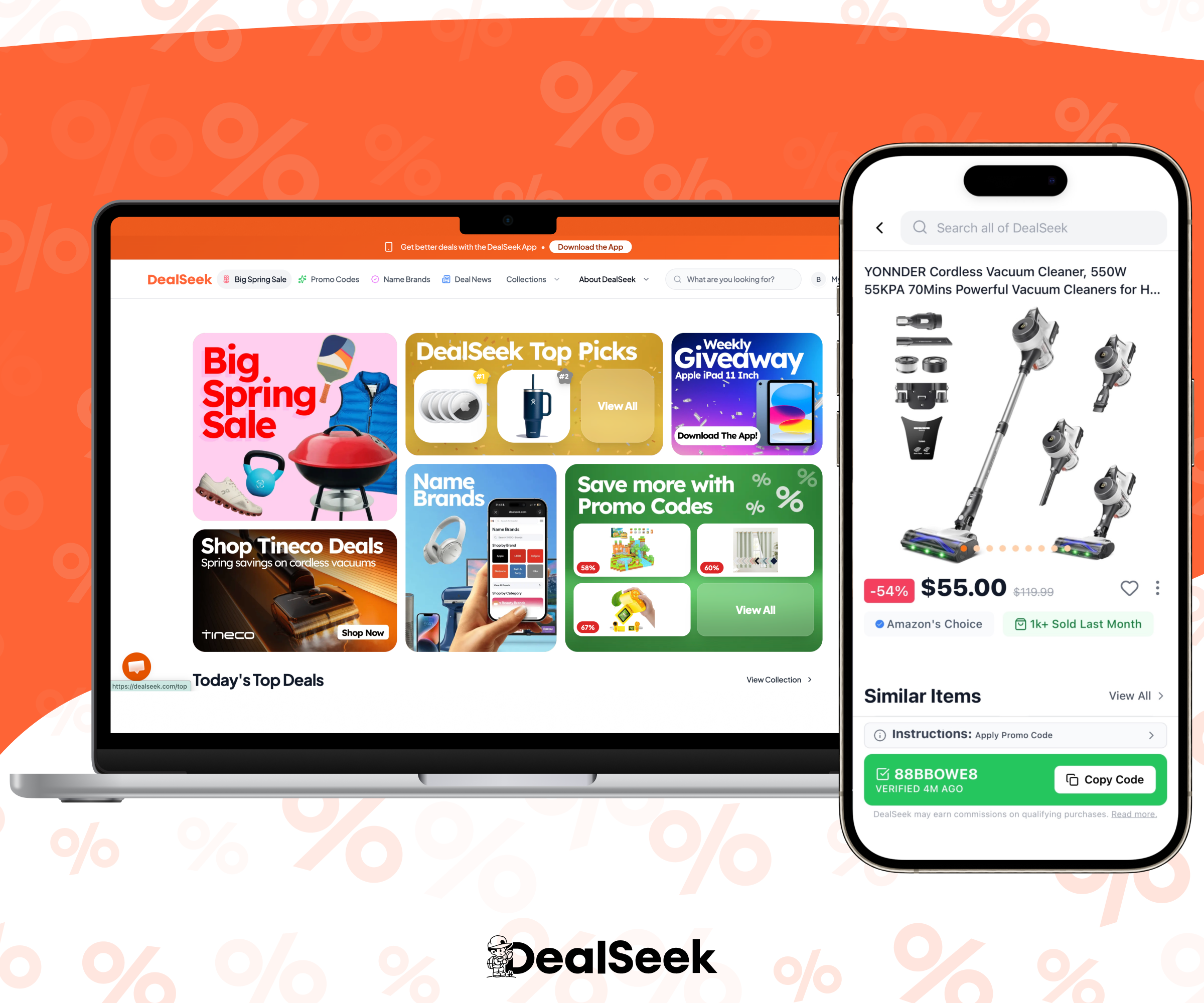
Before you head to Amazon’s checkout page, check DealSeek to see if there’s a coupon or promo code for any of the items in your cart. Just type the brand and/or product name into the Search field. Even if it doesn’t hit, you might find something comparable that does have an available discount.
Here’s a great example: Suppose you’re shopping for a digital family calendar (very popular right now). You’ve zeroed in on a Skylight model, but it’s $300. Then you search DealSeek for “digital family calendar” and presto: loads of similar products, many priced $100 or less.

It’s another way to answer the question of “worth it?” — seeing if there’s a “comp,” a similar item, priced less.
Of course, you can also browse DealSeek to see all the latest October Prime Day deals; we’ve got everything under one handy roof.