How to Use Amazon Promo Codes the Easy Way
 Jasmine F.Amazon
Learn how to use Amazon promo codes with this easy guide. Find verified deals and save money with DealSeek. Learn more.
We have all been there. You are ready to buy something on Amazon, but you see that empty box for a "promo code" and feel like you are paying too much. However, most shoppers are left wondering… “where do I even find a promo code for this item?”.
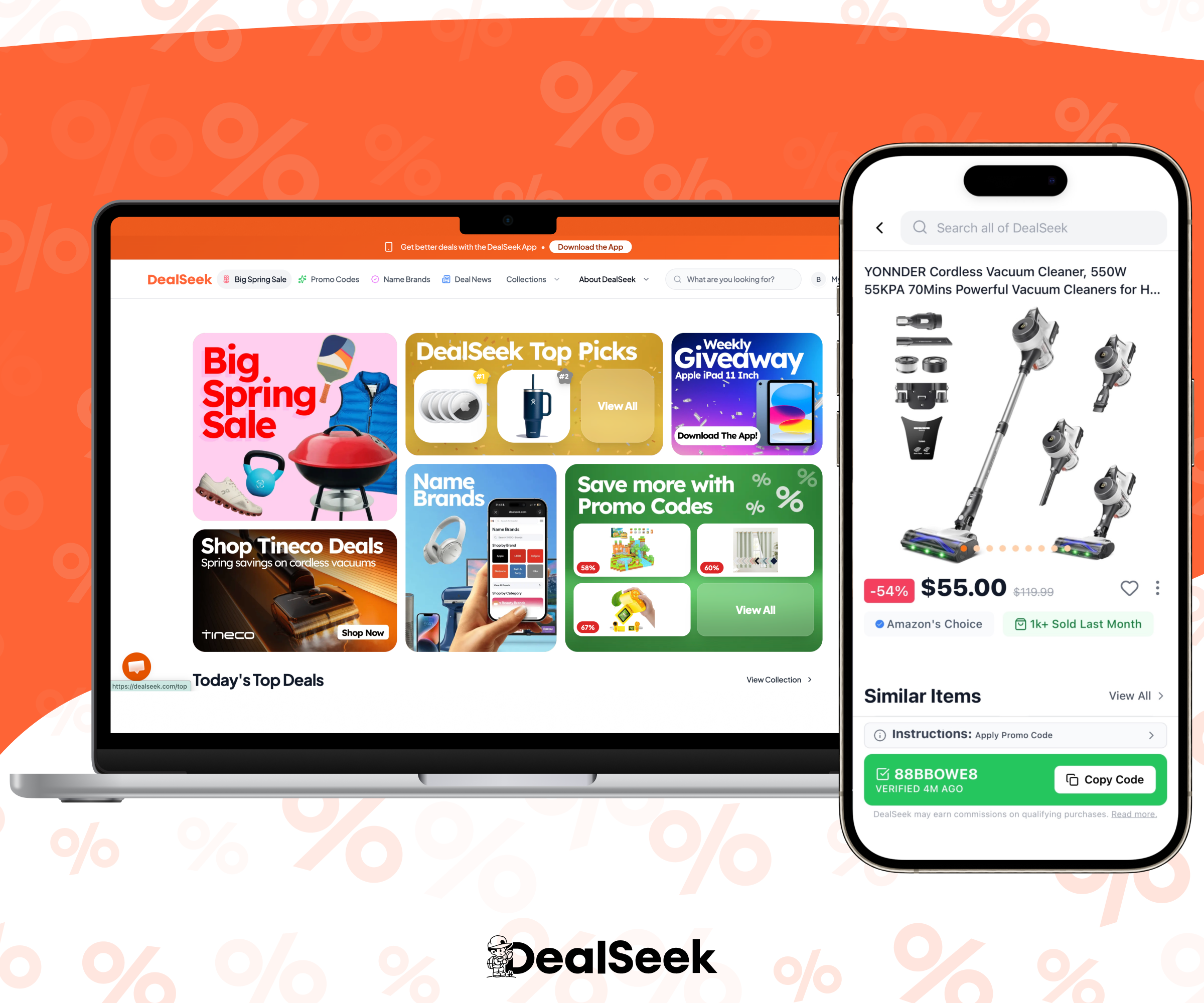
We’re here to reveal the secret. You no longer have to do all the detective work yourself. DealSeek takes the guesswork out of your savings and has compiled an entire page of exclusive Promo Codes that you can use. DealSeek is the #1 website to find the lowest prices on Amazon, exclusive Amazon promo codes and verified price drops.
This guide will show you exactly how to apply your codes so you can save money every time you shop.
Step 1: Find a Real Code
The biggest problem with promo codes is that many of them are fake or old. Before you start, visit DealSeek to get verified codes that actually work.
If you want to know more about the different kinds of discounts Amazon offers, check out our article: What Are Amazon Promo Codes?.
Step 2: Check the Product Reviews
Before you use your code, make sure the item is worth buying. Sometimes a low price means a low-quality product. You can learn How to Spot Fake Amazon Reviews to make sure you are getting a great product for your money.
Step 3: Add the Item to Your Cart
Once you are sure about the product, add it to your cart. Make sure the item matches the code you found on DealSeek. For example, some codes only work for a specific color or size.
Step 4: Go to the Checkout Page
Click on your cart and hit the "Proceed to Checkout" button. You will need to choose your shipping address and your delivery date.
Step 5: Put the Code in the Box
On the payment screen, look for the part that says "Payment method." Under your card details, you will see a box that says "Add a gift card or promotion code."
- Copy the code from DealSeek.
- Paste it into that box.
- Click the “Apply” button.
If the code doesn’t apply, try refreshing the page or switching accounts/devices. 😊

Step 6: Check Your New Price
Look at the "Order Summary" on the right side of your screen. You should see a line that says "Promotion Applied." This shows you how much money you saved. To find even more ways to save on things like outlet items, read our guide on How to Find Hidden Amazon Deals.

Why Is the Code Not Working?
If your code does not work, it might be for a few simple reasons. You can check the official Amazon Promo Terms to see their rules.
You should also check Amazon’s on-site Price History tool, AI assistant Rufus, to see if the price has changed recently. Sometimes codes stop working if the base price moves too much. Using DealSeek is the best way to avoid these problems because our editors make sure the codes are always up to date and verified.
Frequently Asked Questions
Q: What happens if I forget to enter the code before I pay?
A: Once you place the order, you cannot add a promo code to it. It’s super important to always apply the promo code before purchasing the item.
Q: Why can't I see the promo code box on my phone?
A: On the Amazon app, the promo code box is often hidden near the very end of the checkout process. Look for a small link that says "Enter Code" right above the final "Place Your Order" button. Other times it can be hidden under your Payment Method. Click your payment method option and look for a “Use a gift card, voucher, or promo code” box.
Q: Do promo codes work on "Subscribe & Save" items?
A: Sometimes. Many codes only work for a one-time purchase. If you want to use a code on a subscription, check the deal details on DealSeek to see if it is allowed.
Start Saving Money Now
Applying a code is the easiest way to keep more money in your pocket. Remember to look for detailed feedback over generic praise, and don't hesitate to use DealSeek to find verified promo codes and the best deals.